Professional headshots. AI-generated in 30 seconds.
Stop paying $150–$300 for a professional photographer. Upload one selfie and get 4 studio-quality LinkedIn headshots, resume portraits, and corporate photos — powered by AI, completely free to try. No account, no card, no waiting.
2 free generations · no credit card required · results in 30 seconds
AI-generated example outputs
Generated from a single uploaded selfie using aiphotozen
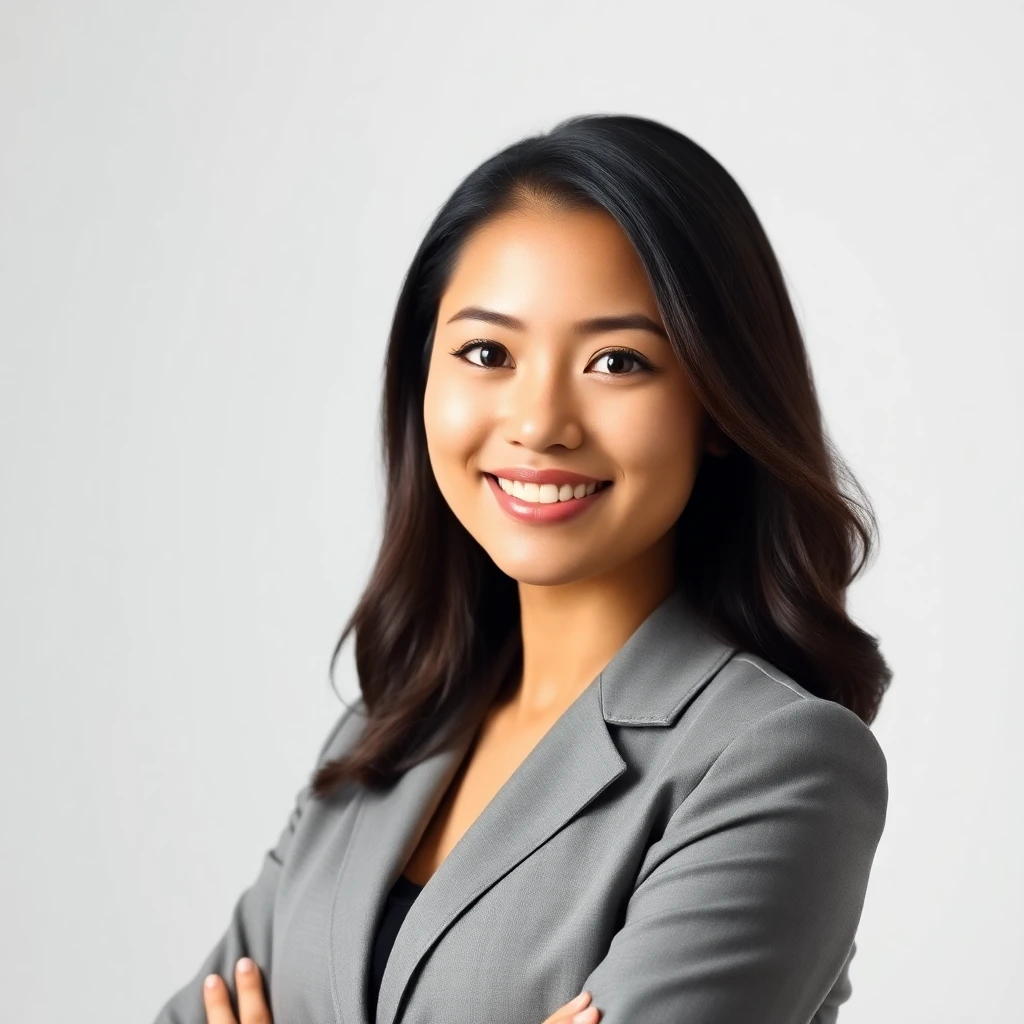
Professional studio look
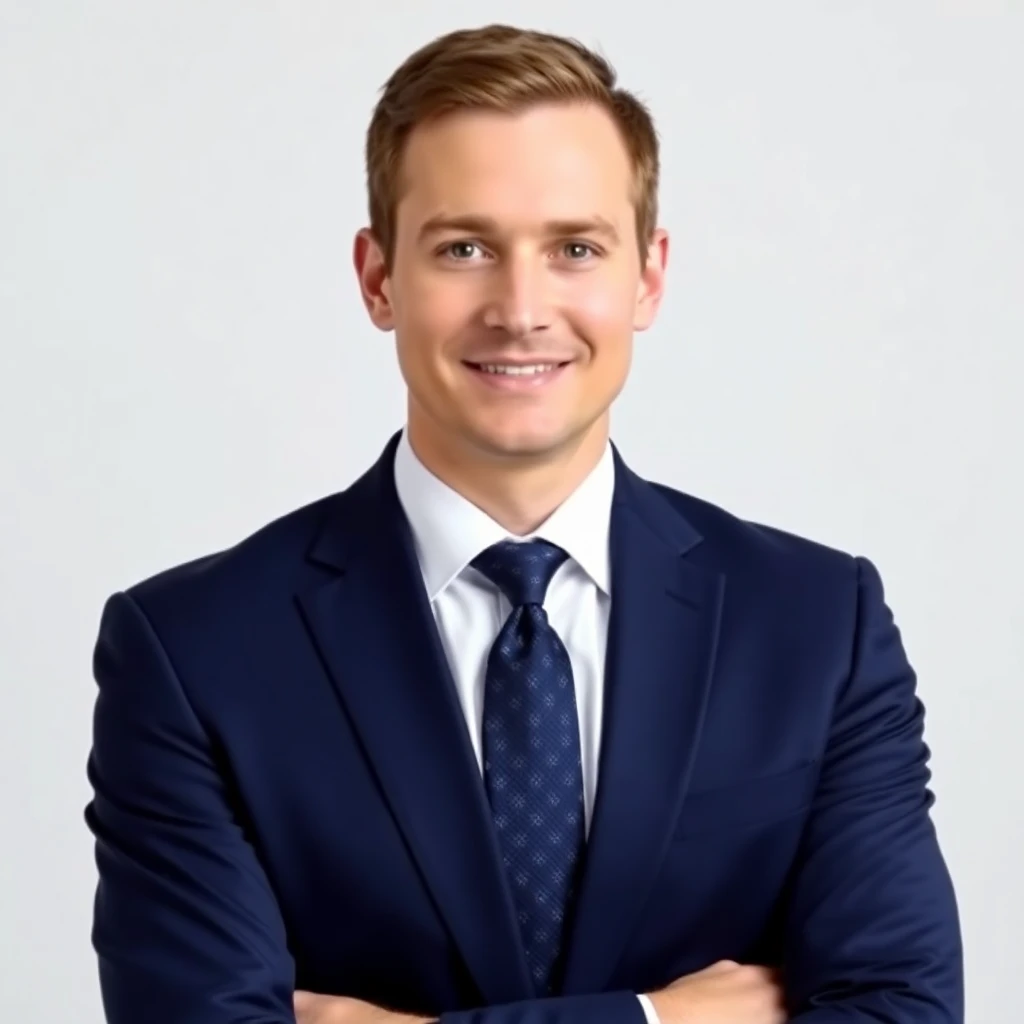
Corporate portrait
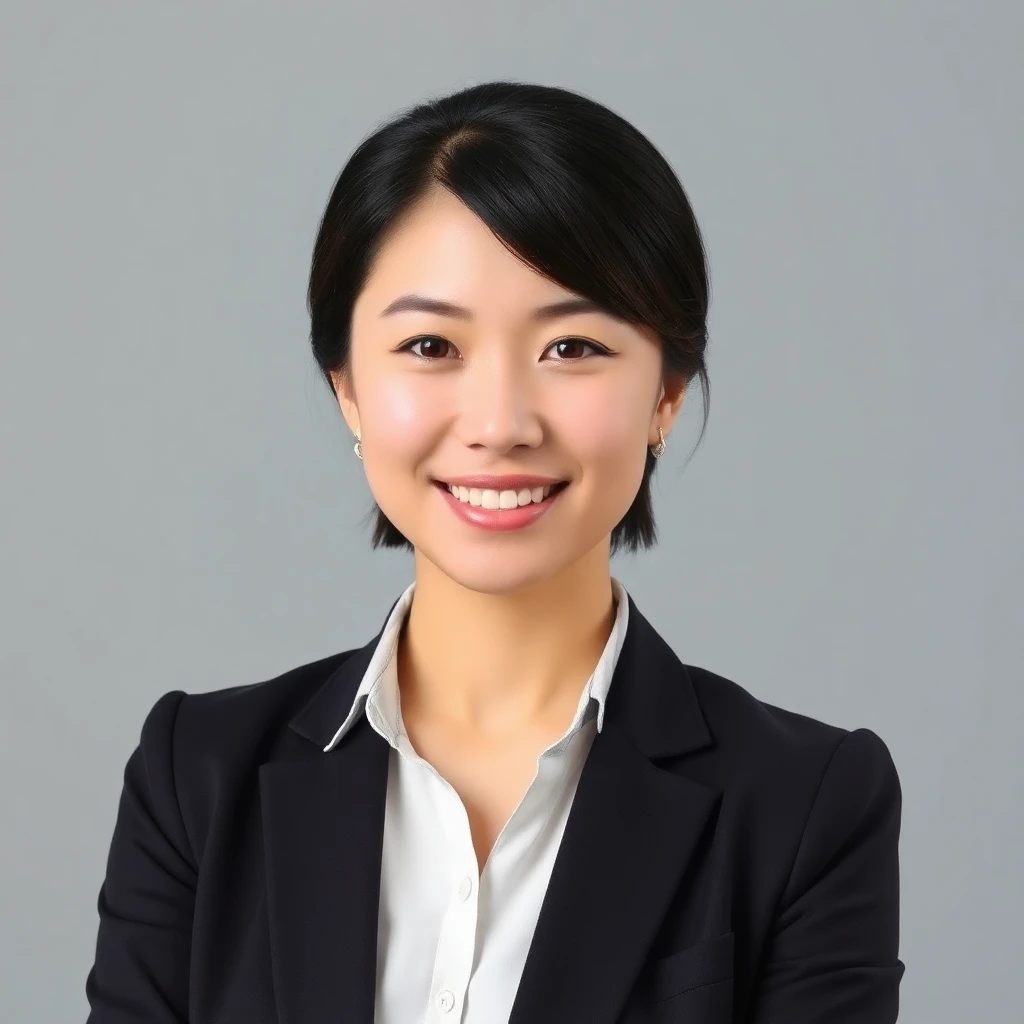
LinkedIn-ready photo
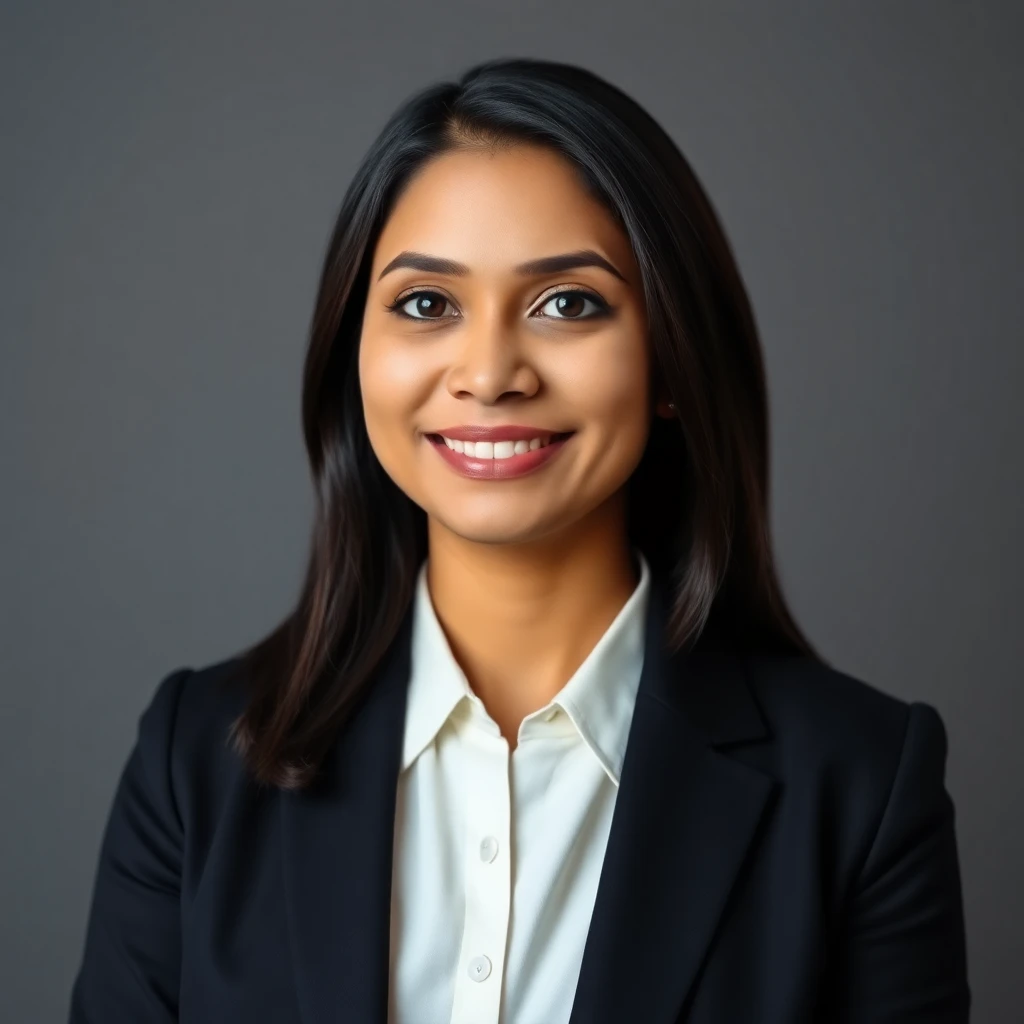
Resume headshot
What is an AI headshot generator?
An AI headshot generator is a tool that uses artificial intelligence to transform an ordinary selfie into a professional-quality portrait photo — the kind you'd normally need a photographer, studio, and hours of post-editing to achieve. Using advanced machine learning models, the AI analyses your facial features, applies studio-quality lighting, adds professional backgrounds, and styles your clothing — all automatically, in under 30 seconds. aiphotozen's AI headshot generator is powered by PhotoMaker, an identity-preserving model that keeps your actual face accurate rather than creating a generic AI-looking portrait. This means your LinkedIn headshot will look professionally photographed and genuinely like you — not like an AI-generated stranger. AI headshots have become mainstream since 2023, with millions of professionals using them for LinkedIn profiles, company directories, business cards, and job applications. The technology has reached a quality level where even professional photographers struggle to distinguish AI portraits from studio shots.
How it works
Three simple steps. No technical skills needed.
Upload any selfie
Take or upload any clear, front-facing photo on your phone or desktop. There's no need for special lighting, professional cameras, or specific clothing — the AI handles all of that automatically. Just make sure your face is clearly visible and well-lit.
AI applies professional studio styling
The PhotoMaker AI analyses your facial features and applies professional studio lighting, a neutral corporate background, and smart business attire styling. It generates 4 unique headshot variations from your single selfie — each slightly different in angle, lighting, and composition.
Download your professional headshots
Review all 4 AI-generated headshots and download your favourite in HD quality. Free users get 512px output — ideal for digital use on LinkedIn, email signatures, and digital profiles. Pro users ($2.99/month) get 1024px HD output with no watermark, suitable for printing and high-resolution applications.
Why choose aiphotozen
Everything you need. Nothing you don't.
100% free — 2 full sessions included
Get 2 complete AI headshot sessions with no credit card required and no signup needed. Each session generates 4 unique headshots from your selfie. No hidden fees, no trials — genuinely free to try before you decide if you want Pro.
Identity-preserving AI technology
Unlike basic AI photo tools that generate a fictional face, aiphotozen uses PhotoMaker — a model trained specifically to preserve your actual facial identity. The result looks professionally photographed and unmistakably you, not a generic AI portrait.
4 unique headshot variations per session
Every upload generates 4 different headshot options, giving you choices in lighting angle, expression framing, and composition. Pick your favourite or use multiple for different platforms — one for LinkedIn, another for your company bio.
HD quality output — ready for any use
Free tier generates sharp 512px headshots ideal for all digital uses: LinkedIn profiles, email signatures, Zoom backgrounds, and digital portfolios. Pro users get 1024px HD output suitable for business cards, conference banners, and printed materials.
Results in under 30 seconds
No waiting, no back-and-forth with a photographer, no editing queue. From upload to downloadable headshot in under 30 seconds. The entire process is fully automated — there are no humans in the loop and no manual editing required.
Works for all backgrounds and skin tones
The AI headshot generator is trained to produce excellent results across all skin tones, ethnicities, ages, and face shapes. Whether you're uploading a selfie with a bright background, dark lighting, or mixed environments, the AI normalises and professionalises the output.
No professional camera or lighting needed
A modern smartphone camera is all you need. The AI applies professional studio lighting, removes distracting backgrounds, and adds business-appropriate styling — turning a casual selfie into a credible professional headshot without any extra equipment.
Privacy-first — your photos are not stored
Your uploaded selfie is processed in real-time and not retained on our servers after generation. We do not use your photos for training AI models or any other purpose. Your privacy is not the product here.
Who is this for?
Real people. Real use cases.
Job seekers
Get more interview callbacks
Research consistently shows that LinkedIn profiles with professional headshots receive significantly more connection requests and recruiter outreach than those without. An AI headshot is the fastest way to level up your profile before a job search without spending money on a photographer.
Freelancers & consultants
Build instant professional credibility
When clients visit your website, Upwork profile, or LinkedIn, your headshot is often the first thing they judge you on. A professional AI headshot signals that you take your work seriously — and it costs you nothing to get one today.
Remote workers
Professional profile for video calls and directories
With remote work now standard, your digital presence matters more than ever. An AI headshot gives you a professional photo for Zoom, Microsoft Teams, company directories, and internal tools — without the awkwardness of asking a colleague to take your photo.
Students & graduates
Stand out on LinkedIn from day one
Starting your career with a professional headshot on LinkedIn puts you ahead of competitors who use casual selfies. An AI headshot costs nothing and takes 30 seconds — there's no reason to enter the job market without one.
AI headshots vs hiring a photographer
A professional headshot session with a photographer typically costs $150–$400 in the US and UK, requires booking in advance, traveling to a studio, sitting through a session, and waiting days for edited files. AI headshots eliminate every single one of those friction points:
- Cost: AI headshots are free (vs $150–$400 for a photographer)
- Time: 30 seconds from upload to download (vs 1–3 days for photographer + editing)
- Location: Works from your home, phone, or anywhere (vs traveling to a studio)
- Iterations: 4 options per session, unlimited retries (vs 1 studio session)
- Clothing: AI applies business attire automatically (vs bringing wardrobe to studio)
- Consistency: Same quality every time (vs variable results between photographers)
- Accessibility: Available to everyone globally, instantly (vs limited by geography and budget)
Tips for best results
Get the most out of your AI photo session.
Use a recent, clear selfie
The more recent and clear your source photo, the better the AI result. A photo taken in the last 12 months in good lighting will produce significantly better headshots than an old or low-resolution image.
Face a window for natural light
Natural window light is the most flattering and produces the cleanest results. Avoid overhead lighting, harsh shadows, or very dark environments. Outdoors on a cloudy day also works beautifully.
Face the camera directly
A front-facing angle (directly looking at the camera) gives the AI the best facial data to work with. Slight angles are fine, but extreme side profiles may reduce identity preservation quality.
Avoid heavy filters or edits
Upload a natural, unfiltered photo for the best results. Heavy Snapchat or Instagram filters alter your facial geometry and can cause the AI to produce less accurate headshots.
Make sure your face fills the frame
Crop your source photo so your face takes up at least 40–50% of the image. Avoid full-body shots or photos where you're far from the camera — the AI performs best with close portrait crops.
Try multiple uploads for variety
Different source selfies produce different headshots. If you're not happy with your first result, try a different photo — a different angle, different lighting, or a different day often produces noticeably better results.
50,000+
Photos generated
4.9/5
User rating
Free
No signup needed
<30s
Generation time
Frequently asked questions
Everything you need to know before you start.
Is there a completely free AI headshot generator?
Yes — aiphotozen.com gives you 2 full AI headshot sessions completely free, with no credit card and no signup required. Each session generates 4 unique professional headshots from your selfie. After your 2 free sessions, the Pro plan is $2.99/month for unlimited HD headshots — significantly cheaper than any professional photographer.
How realistic do AI headshots look?
Modern AI headshot generators like aiphotozen produce results that are indistinguishable from professional studio photography in many cases. The key differentiator is that aiphotozen uses PhotoMaker — an identity-preserving model that keeps your actual facial features intact. You get a professional-looking photo that genuinely looks like you, not a generic AI face. Many users report that colleagues and recruiters cannot tell the difference between their AI headshot and a studio portrait.
Can I use an AI headshot on LinkedIn?
Yes. LinkedIn does not prohibit AI-generated headshots, and millions of professionals use AI photos on the platform. The key requirement is that the photo accurately represents your actual appearance — which is why aiphotozen's identity-preserving approach matters. The headshot looks like you, which is both ethical and within LinkedIn's terms. Many hiring managers and recruiters report being unable to distinguish AI headshots from studio photos.
What makes a good source photo for an AI headshot?
For the best results: use a recent photo where your face is clearly visible and well-lit, ensure your face takes up at least 40% of the frame, shoot in natural window light if possible, use a front-facing camera angle, avoid heavy filters on your source photo, and ensure your expression is natural and relaxed. Avoid sunglasses, hats, or anything that obscures your face. The better your source photo, the better your AI headshot.
How long does an AI headshot take?
AI headshots on aiphotozen take under 30 seconds from upload to result. Upload your photo (5 seconds), the AI processes and generates your headshots (15–25 seconds), and you have 4 professional headshots ready to download. Compare this to booking a photographer (days in advance), traveling to a studio (1–2 hours), and waiting for edited files (2–5 days) — AI headshots are essentially instant by comparison.
Are AI headshots safe for professional use?
AI headshots from aiphotozen are safe for professional use on LinkedIn, company websites, email signatures, business cards, and resume applications. The generated images are yours to use without restrictions. Since aiphotozen preserves your actual appearance, there are no concerns about misrepresentation — the photo is an accurate, professional-quality portrait of you. Many Fortune 500 employees now use AI headshots for their internal directories and public profiles.
What is the best free AI headshot generator with no watermark?
aiphotozen offers 2 free AI headshot sessions with no watermark on the output images. Free tier produces 512px resolution — ideal for digital use on LinkedIn, email signatures, and profile photos. For watermark-free 1024px HD headshots, the Pro plan is $2.99/month, which compares favourably to paid competitors that charge $15–25 per session.
Ready to try it for free?
Upload your selfie and get 4 stunning AI photos in under 30 seconds. No credit card. No signup.
Start for freeNo credit card · No signup · 2 free tries · results in 30s